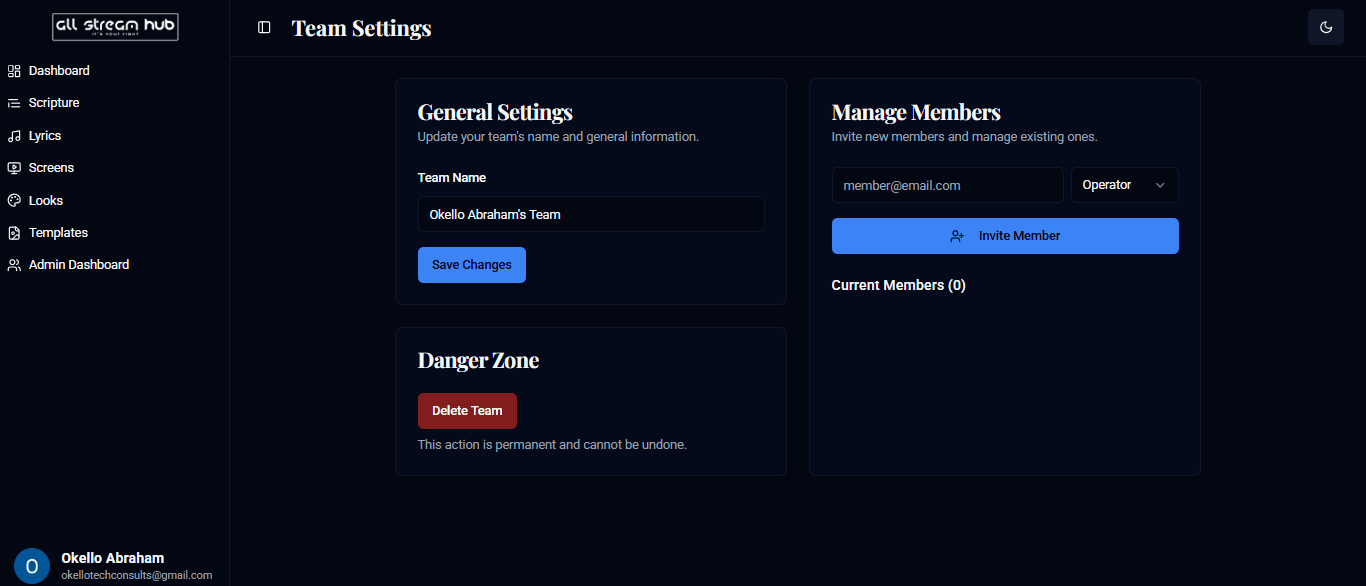
Rename your team and bring collaborators on board with the right role.
Steps
1Open your team menu at the bottom of the sidebar, then Team Settings.
2Under General Settings, update your team's name and select Save Changes.
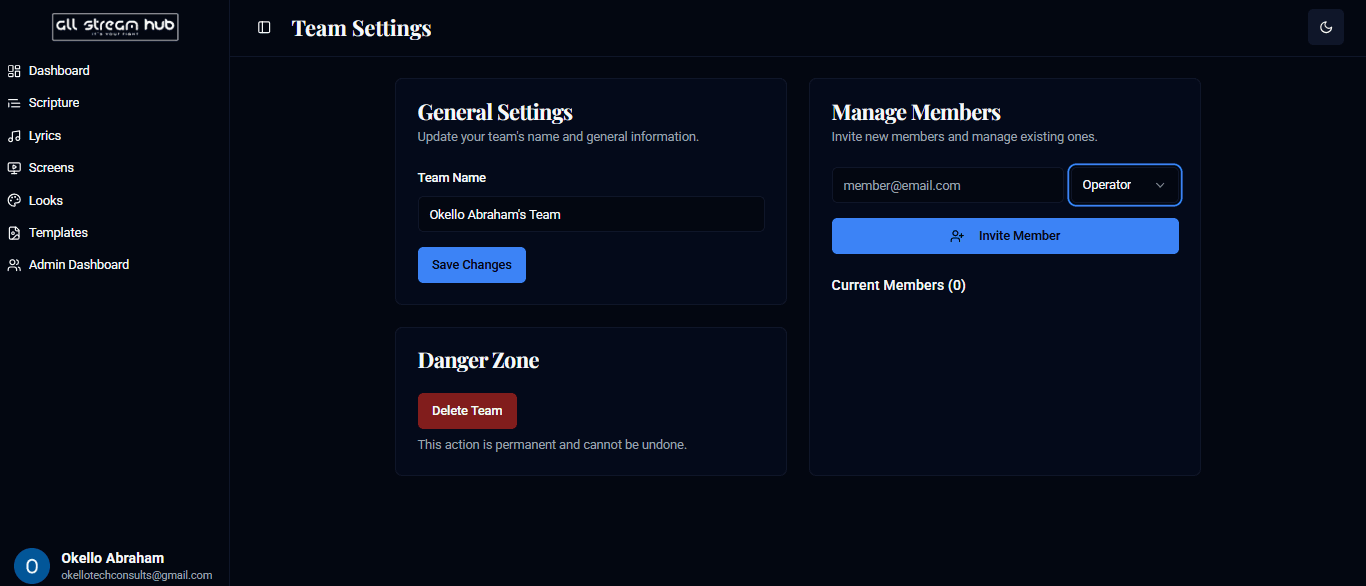
3Under Manage Members, enter a teammate's email, choose a role — Operator or Admin — and select Invite Member.
4Danger Zone holds Delete Team — permanent, so use with care.
Screenshots
The Team Settings pageThe role dropdown when inviting a member
Transcript
Team Settings is where you manage who's on your team and what they're allowed to touch. General Settings lets you rename the team itself. Down in Manage Members, enter a teammate's email, pick whether they join as an Operator or a full Admin, and send the invite. Everything here is reversible except one thing — Delete Team, tucked into the Danger Zone, which is permanent.
Ready to Go Live?
Add professional scripture, lyrics, and lower-thirds to your livestream with AllStreamHub — free to start.