Create an account or sign back in — with email, or one click through Google.
Steps
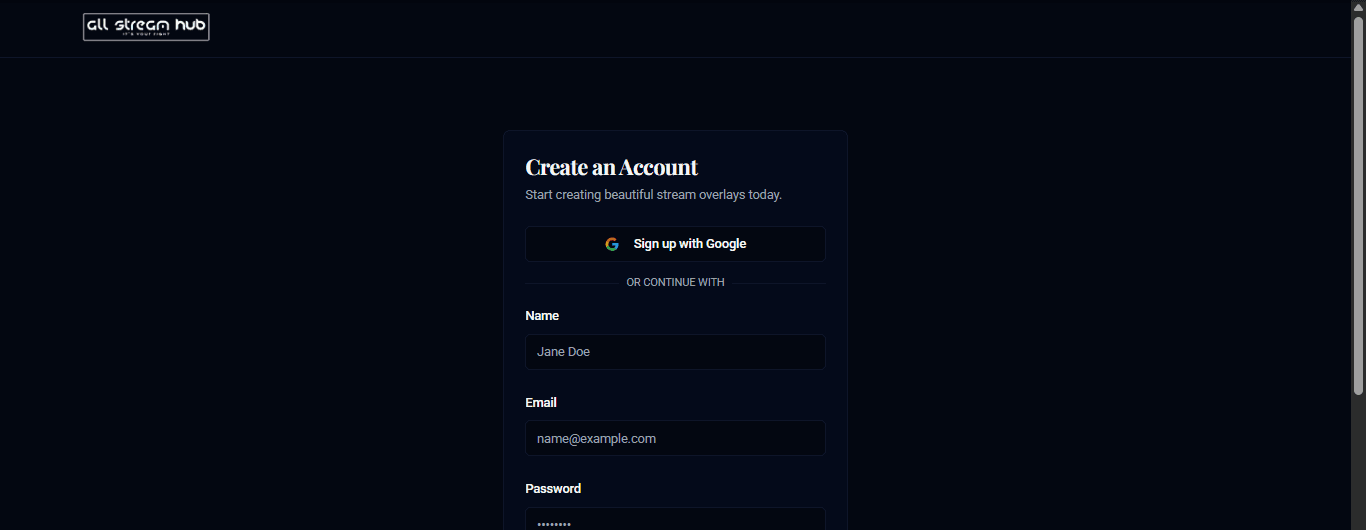
1Go to the AllStreamHub sign-up page.
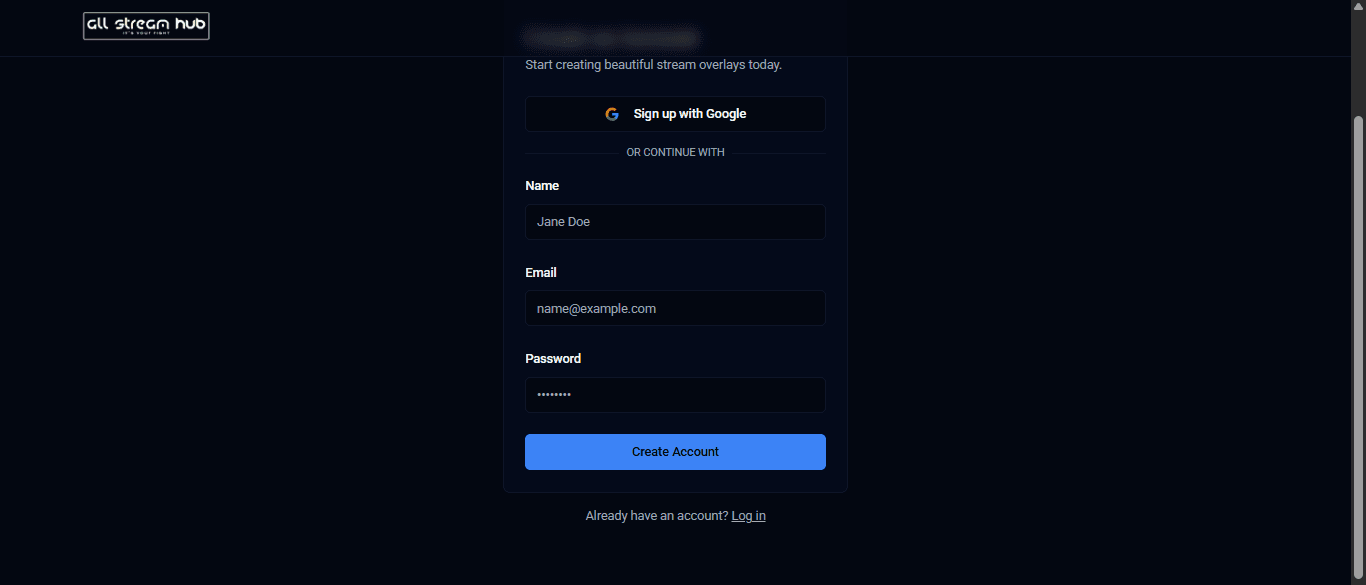
2Choose Sign up with Google for one-click access, or fill in your name, email, and a password under Or continue with.
3Select Create Account. You'll land straight on your dashboard.
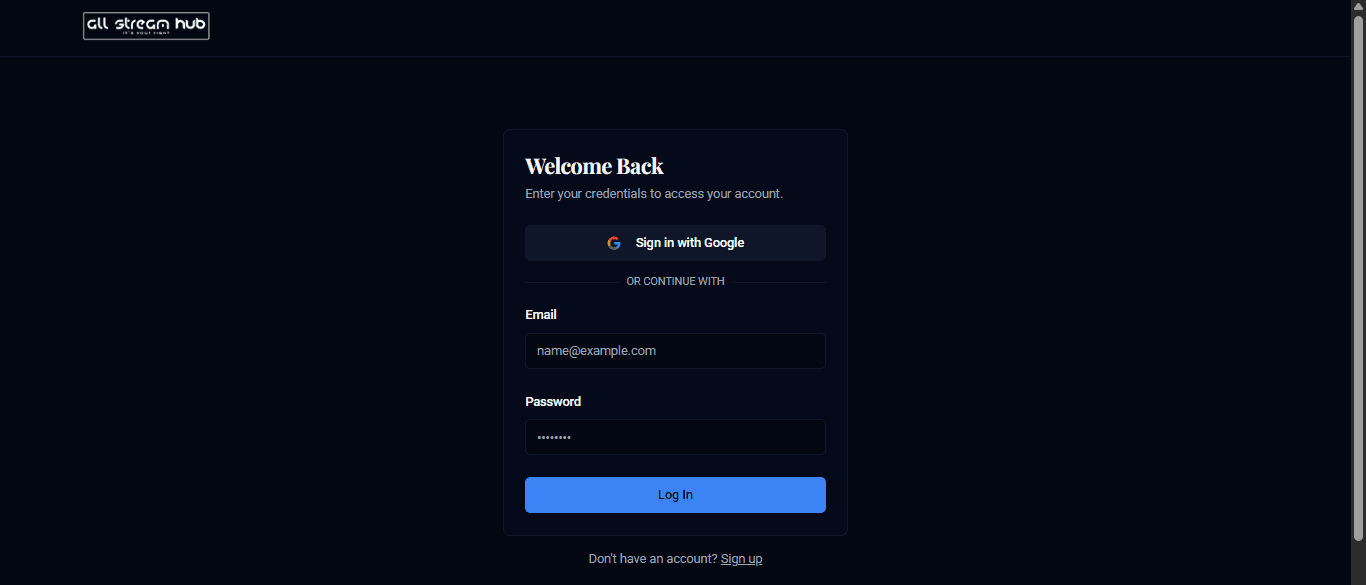
4Next time, use the Log In page the same way — Google, or email and password.
Screenshots
Top of the sign-up page, with Sign up with GoogleBottom of the sign-up form with name, email, and passwordThe AllStreamHub log-in page
Transcript
Getting into AllStreamHub takes about fifteen seconds. On the sign-up page, you've got two paths: click Sign up with Google and you're in immediately using your existing Google account, or fill in your name, email, and a password if you'd rather keep it separate from Google. Once your account exists, come back any time through the login page and sign in the same way you signed up.
Ready to Go Live?
Add professional scripture, lyrics, and lower-thirds to your livestream with AllStreamHub — free to start.